Record yourself practicing, then slow down and loop your own take
You can't hear yourself while you play. Practice Player records a take and then treats it like any other song. You can slow it down and loop the bar that went wrong.
Record a take
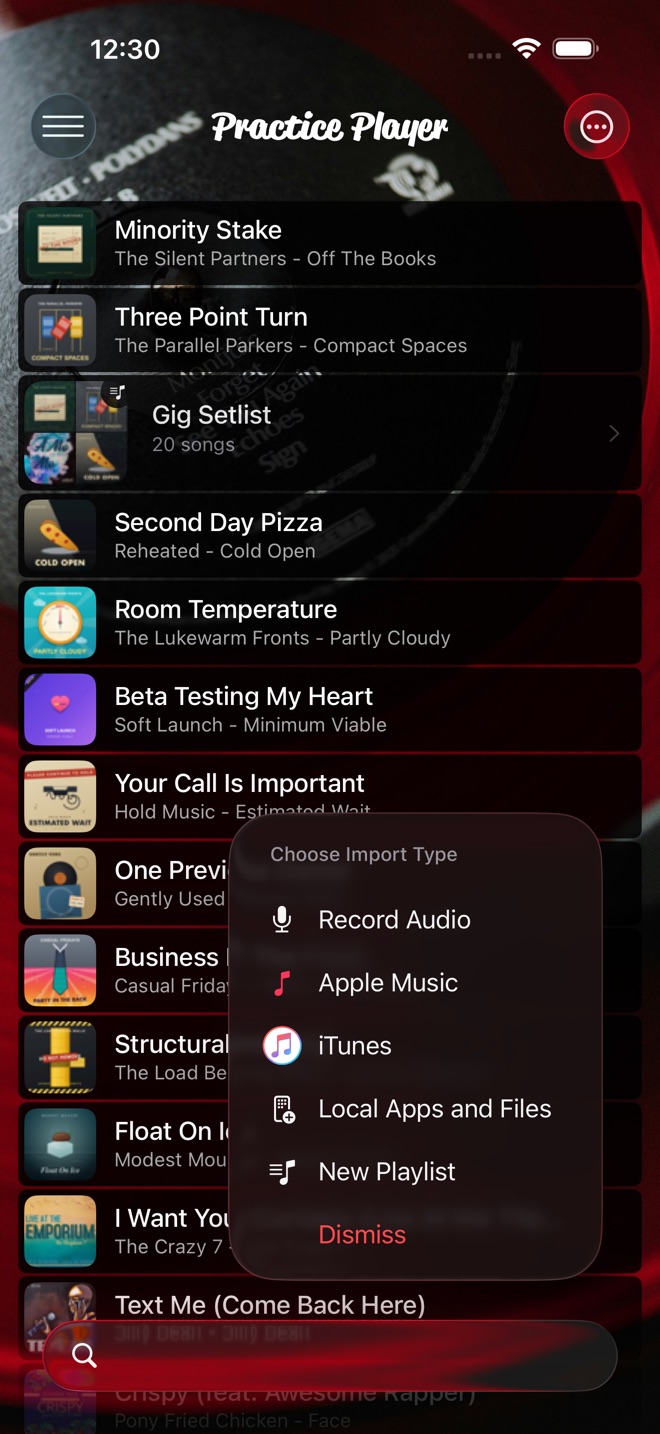
- In your song list, tap the add button and choose Record Audio. The add button turns into a mic. The first time, iOS asks for microphone access.
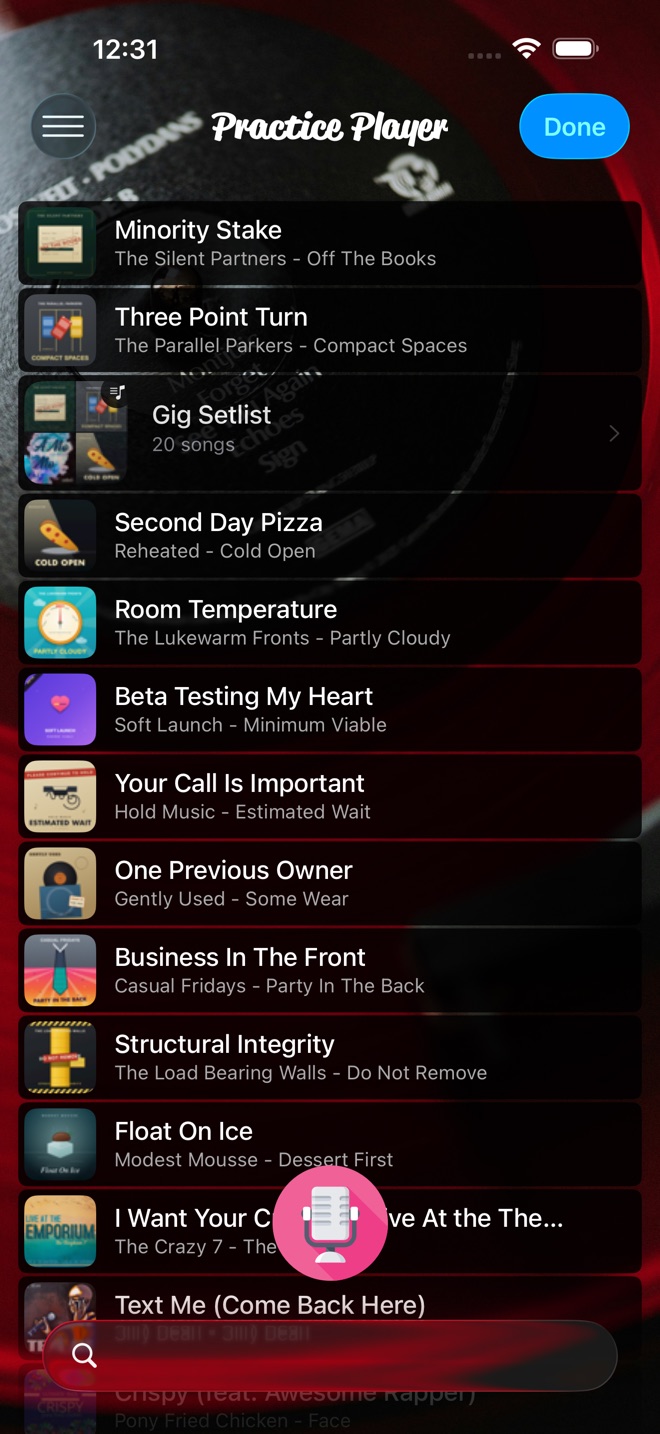
- Tap the mic and play. The button turns into a stop button and a timer runs.
- Tap stop. The recording lands at the top of your library as a new song. Tap Done at the top right when you are finished recording.
It records from the phone's built-in mic, or from a wired or USB mic if one is connected. Nothing plays from the phone while it records. To play along to the record, put the record on a different device, like a speaker across the room. The phone picks up both. A recording counts as a song toward the free limit.
Loop and slow down your own mistakes
Open the recording like a song. Everything works, because it is a file on the phone: speed, pitch, pan, points, loop, count-in.
- Listen through once and drop a point each time you wince, then loop the worst one with Set Start and Set End. The loop guide walks through it.
- Tap Controls and slow it down. At 0.75x you can hear whether you rushed the pickup or dragged the downbeat. At 0.5x you can hear which note was late. The recording is a phone-mic recording, so use it to check timing. It won't tell you much about tone.
Then go back to the original song, loop the same bar, and drill it. Record again next week.
Track practice time and streaks
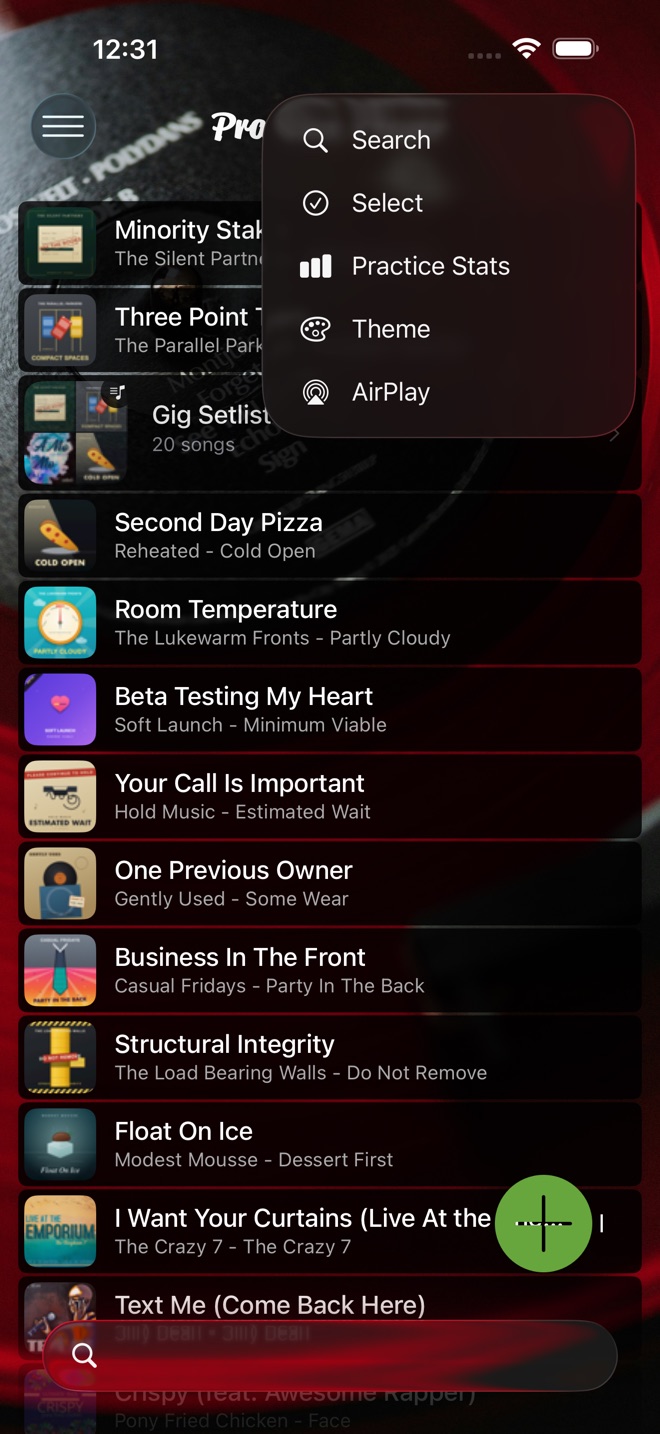
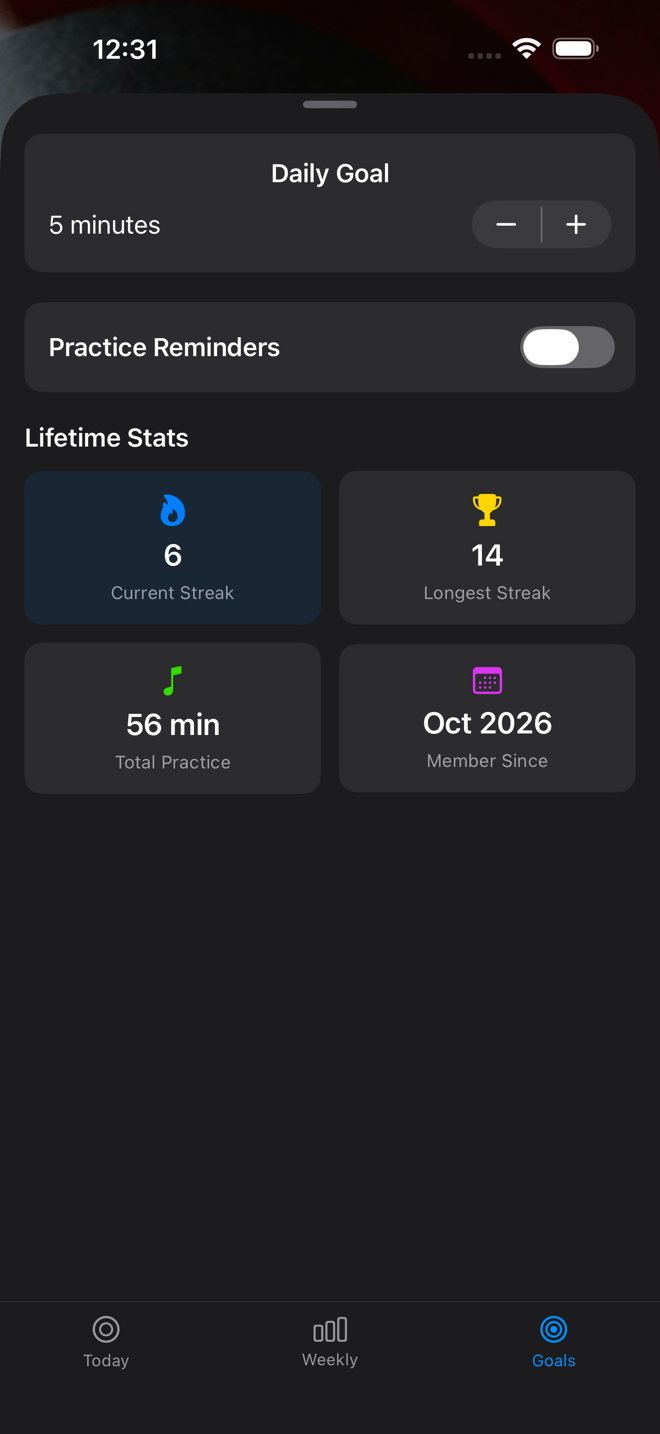
Practice Player counts the time a song is actually playing in the player. It shows that time in Practice Stats under Today, Weekly and Goals. Time spent recording doesn't count. Neither does a song sitting open and paused. You can set a daily goal in the Goals tab. The app keeps a current streak and a longest streak. Practice Reminders in the Goals tab will nudge you if you turn them on.
Each point keeps its own Total Practiced time on its details screen.
See which days you practiced
The Weekly tab in Practice Stats shows which days you played and how long.
Practice Player is free to download, with a paid upgrade for unlimited songs and points.