Loop and slow down a song for dance class, then play it through the studio speakers
Teaching a combination means playing the same eight counts over and over, slower than the record, while you count out loud and watch feet. Scrubbing back by hand every time is the worst part of the job. The phone does that part.
Loop the eight counts
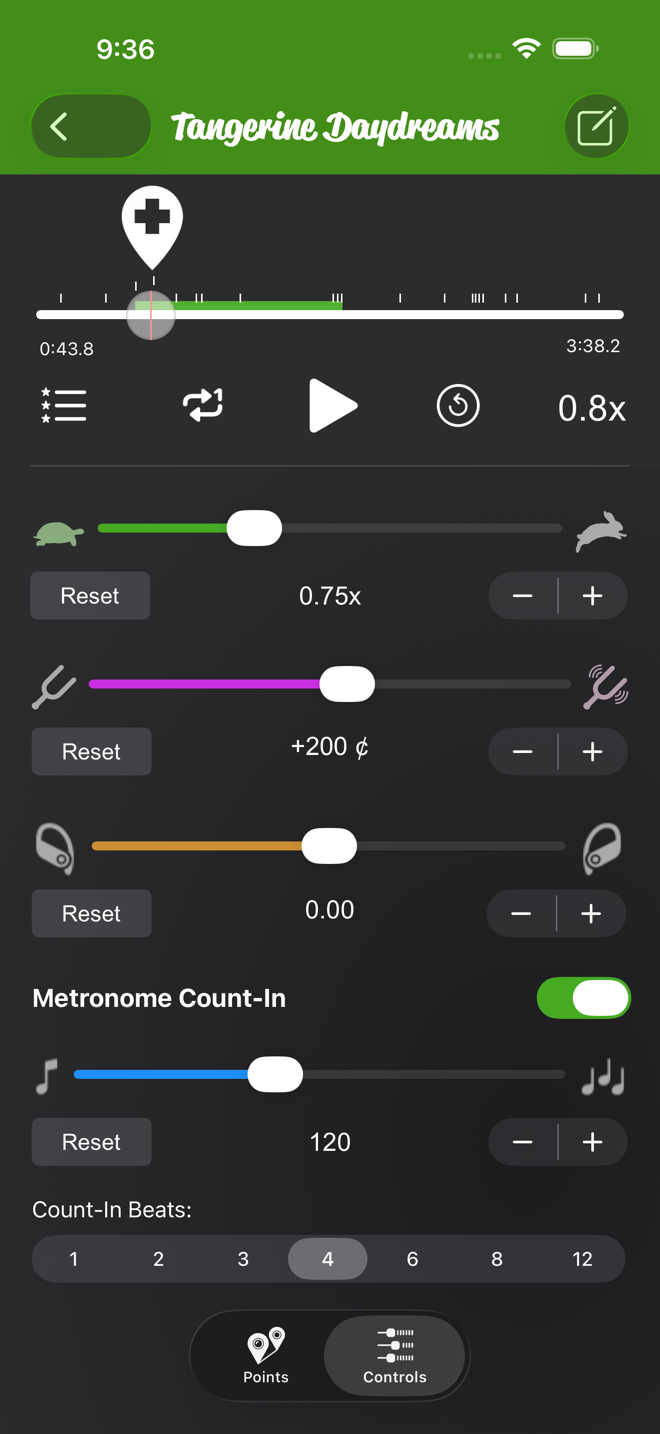
Loop the first phrase: two points around it, Set Start on the first, Set End on the second. The loop guide walks through it.
Add more points as you go, one per phrase of the combination (the free version allows 7 per song). Name them by tapping a point and choosing Notes: "Intro", "Turn section", "Ending". To move to the next phrase, tap the point that ends it and pick Set End. Then tap the point that starts it and pick Set Start. End first, then start, or the app refuses.
Slow it down for the walk-through
Drop the speed for the walk-through. 0.75x is slow enough to mark through a phrase and still feel the music. 0.5x is for the first time through a tricky turn. The speed guide shows where the slider is.
Speed works on Apple Music songs, songs you own and files you import, so the playlist you already teach from works as is. The speed you pick is saved with the song.
Count the class in
Turn on Metronome Count-In on the Controls tab for each song and set the song's BPM. It counts in at the song's tempo, scaled to the speed you set. So the "five, six, seven, eight" lands on the beat even when the track is slowed. That works if your start point sits on a downbeat and the BPM matches the track. With loop on, it counts the class back in before every repeat. You can pick 1, 2, 3, 4, 6, 8 or 12 counts. Eight is the one you want.
Send it to the studio speakers
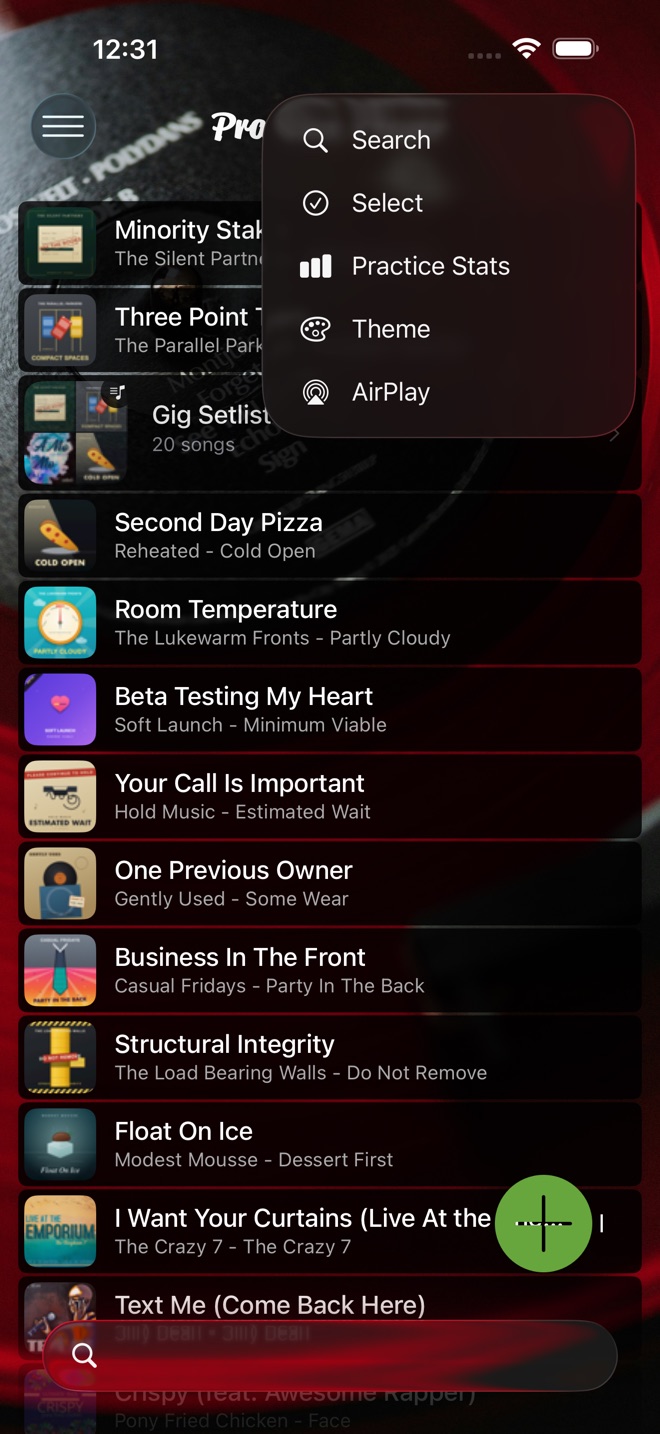
Tap the ⋯ menu at the top of the song list, or of a playlist, and choose AirPlay. The player's menu has the same item. It opens Apple's output picker. Pick the Bluetooth speaker or the AirPlay receiver before you press play. The count-in plays through the room's speakers too.
One song per routine, one playlist per class
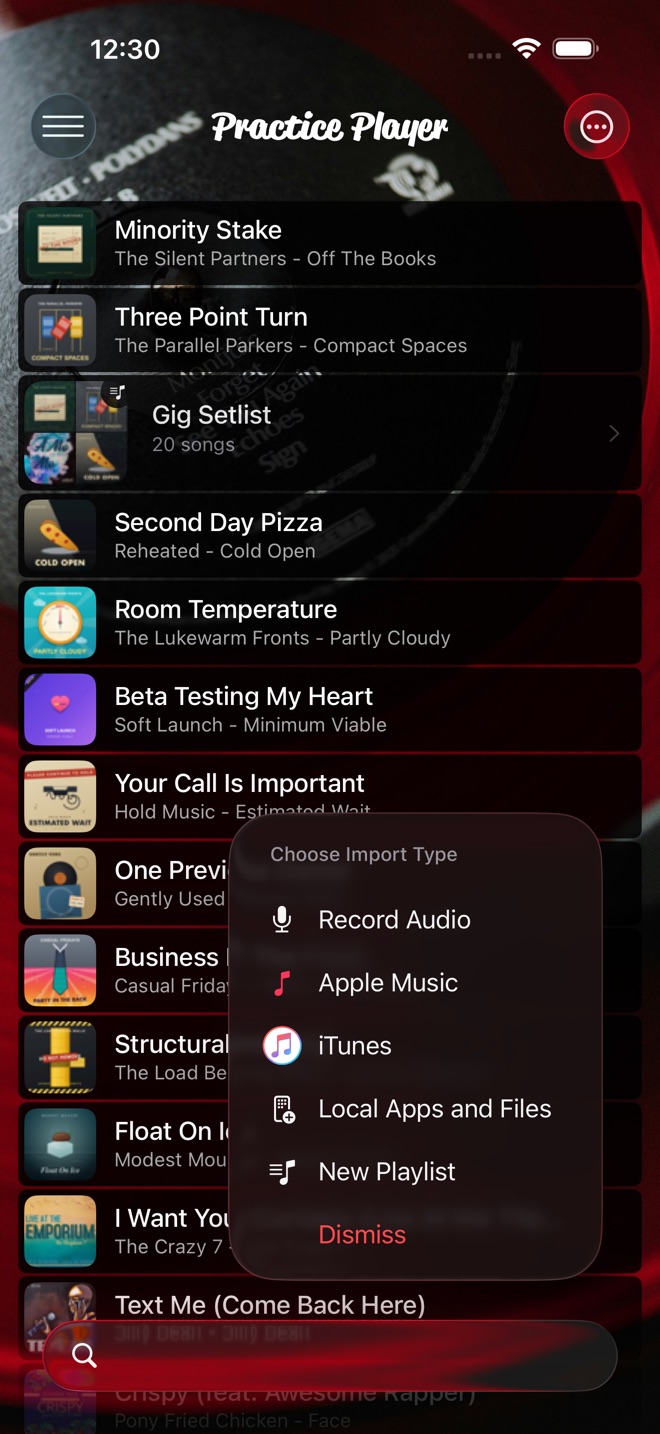
Long-press a song and choose Add to Playlist, or make a new one from the add button with New Playlist. Put every routine for a class in its own playlist. Each song remembers its own points, loop, speed and count-in.
Practice Player is free to download, with a paid upgrade for unlimited songs and points.